
PC Revive reinstalls Windows or macOS in West Palm Beach to give sluggish or unstable computers a clean, bloat-free start. We remove malware and conflicts, install the latest updates/drivers, and optionally back up and transfer your files. On-site or drop-off service with fast turnaround restores speed, stability, and reliability.
Windows or Mac Operating System Reinstallation
Give Your Slow or Unresponsive Computer a Fresh Start
If your computer is running slow or not working at all, a factory reset is always the best route to take.
Over time, even the most reliable computers can become sluggish, cluttered, or unresponsive. If you’re constantly battling crashes, pop-ups, or long loading times, it may be time to start fresh. At PC Revive, we offer expert operating system reinstallation services for both Windows and Mac computers—giving your device a brand-new lease on life.
We proudly serve West Palm Beach, FL and surrounding areas with fast, reliable system reset solutions for home users, students, and small businesses.
Clean OS Reinstall Without the Bloat
This process:
- Speeds up your system
- Removes viruses and unwanted programs
- Eliminates software conflicts
- Resets all settings to default

Start Fresh Without Manufacturer Bloatware
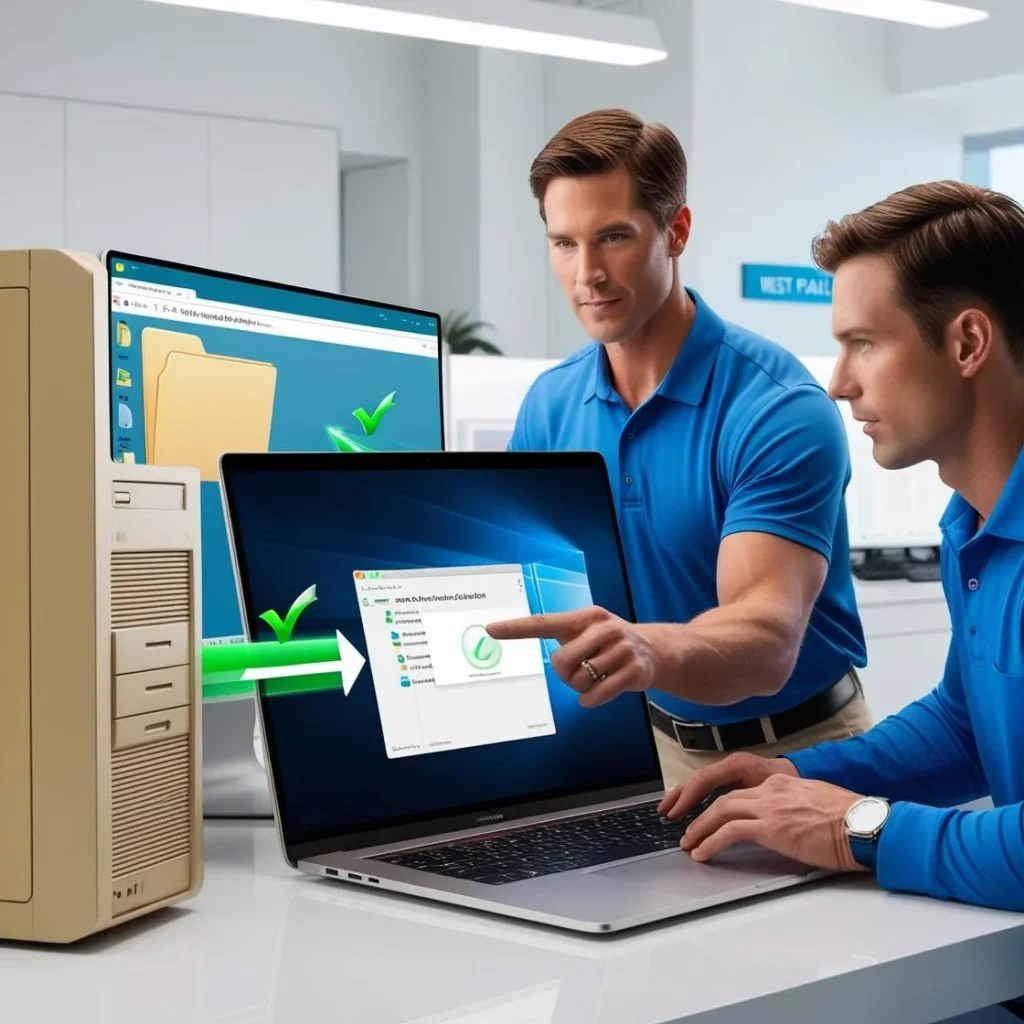
Keep Your Files with Optional Data Transfer
Worried about losing your files during a reinstall? Don’t be. PC Revive offers secure data backup and transfer services to move your important documents, pictures, music, and more from your old system to the new clean install.
- Backing up your user files
- Verifying integrity before transfer
- Moving them to the new OS environment
- Ensuring everything is organized and accessible
Whether you’re in West Palm Beach, Lake Worth, or Palm Springs, we’ll make sure your digital life stays intact—just on a cleaner, faster machine.
Get the Latest Operating System Without the Wait
No waiting. No guesswork. Just performance from the start. For Windows users, we ensure systems meet the Microsoft system requirements for optimal performance.
Restore Speed, Stability, and Confidence
Whether you have a laptop that won’t boot or a desktop that’s crawling along, our reinstallation service will breathe new life into your device. We’ve helped countless customers throughout Palm Beach County revive slow computers with clean, efficient reinstallations—and we’d love to do the same for you.

Why Choose PC Revive for System Reinstallations?
- Fast turnaround and same-day service available
- Clean, bloat-free reinstallations
- Optional file transfers and software setup
- Support for Windows and Mac systems
- Friendly, personalized service with clear pricing

Proudly Serving Palm Beach County with Windows & Mac OS Reinstallation Services
PC Revive proudly provides Windows and Mac OS reinstallation services in West Palm Beach and throughout Palm Beach County, helping homeowners, students, and small businesses restore speed, stability, and security to slow or unstable computers. Whether your system is infected with malware, overloaded with bloatware, or constantly crashing, our clean operating system reinstall gives your device a fresh, optimized start. We handle Windows and macOS upgrades, driver updates, and optional secure data transfers, available via on-site or drop-off service with fast turnaround across South Florida.
We serve homeowners and small businesses across Atlantis, Boca Raton, Boynton Beach, Delray Beach, Greenacres, Highland Beach, Hypoluxo, Lake Worth, Lantana, Loxahatchee, Ocean Ridge, Palm Beach, Palm Beach Gardens, Palm Springs, Riviera Beach, Royal Palm Beach, Wellington, Jupiter, West Palm Beach.
No matter where you’re located in Palm Beach County, PC Revive is your trusted local partner for clean OS reinstallations, secure data migration, and full system optimization services.
Get a Clean Slate for Your Computer Today
Don’t waste time on temporary fixes or endless updates. Call 561-870-5913 or contact us online to schedule your Windows or Mac reinstallation service in West Palm Beach, FL. Let PC Revive help you reset your computer, protect your files, and boost your performance—all in one simple service.
PC Revive
Address: 1425 Osceola Dr, West Palm Beach, FL 33409
Phone Number: (561) 870-5913
Email: evan@pcrevive.org
Google Maps: Find Us Here
Business Hours:
Monday: 7:00 AM – 7:00 PM
Tuesday: 7:00 AM – 7:00 PM
Wednesday: 7:00 AM – 7:00 PM
Thursday: 7:00 AM – 7:00 PM
Friday: 7:00 AM – 7:00 PM
Saturday: 7:00 AM – 7:00 PM
Sunday: 7:00 AM – 7:00 PM
FAQs About Our Windows and Mac OS Reinstallation Service in Palm Beach County
Q: How much does an OS reinstall cost?
A: Prices start at $90 for drop-off service and run $200 – $300 for full on-site reinstall with data migration. Parts (new SSD, RAM, etc.) are extra—call for a firm quote.
Q: Will my files be wiped?
A: No. We image your drive first, reinstall the OS, then restore your documents and settings—so nothing disappears.
Q: How long does the job take?
A: Most reinstalls finish same day on-site. Drop-offs are ready within 24 hours unless we’re waiting on replacement parts.
Q: Can you upgrade me to the latest Windows or macOS while you’re at it?
A: Absolutely. We install the newest version your hardware supports, plus all drivers and security patches.
Q: Is a reinstall better than buying a new computer?
A: If the hardware’s still solid, a clean OS plus fresh drivers can make the machine feel new—for a fraction of the cost of replacement.